
 Add to Chrome
Why OpenImmersive Translator
A translate extension whose code you can read
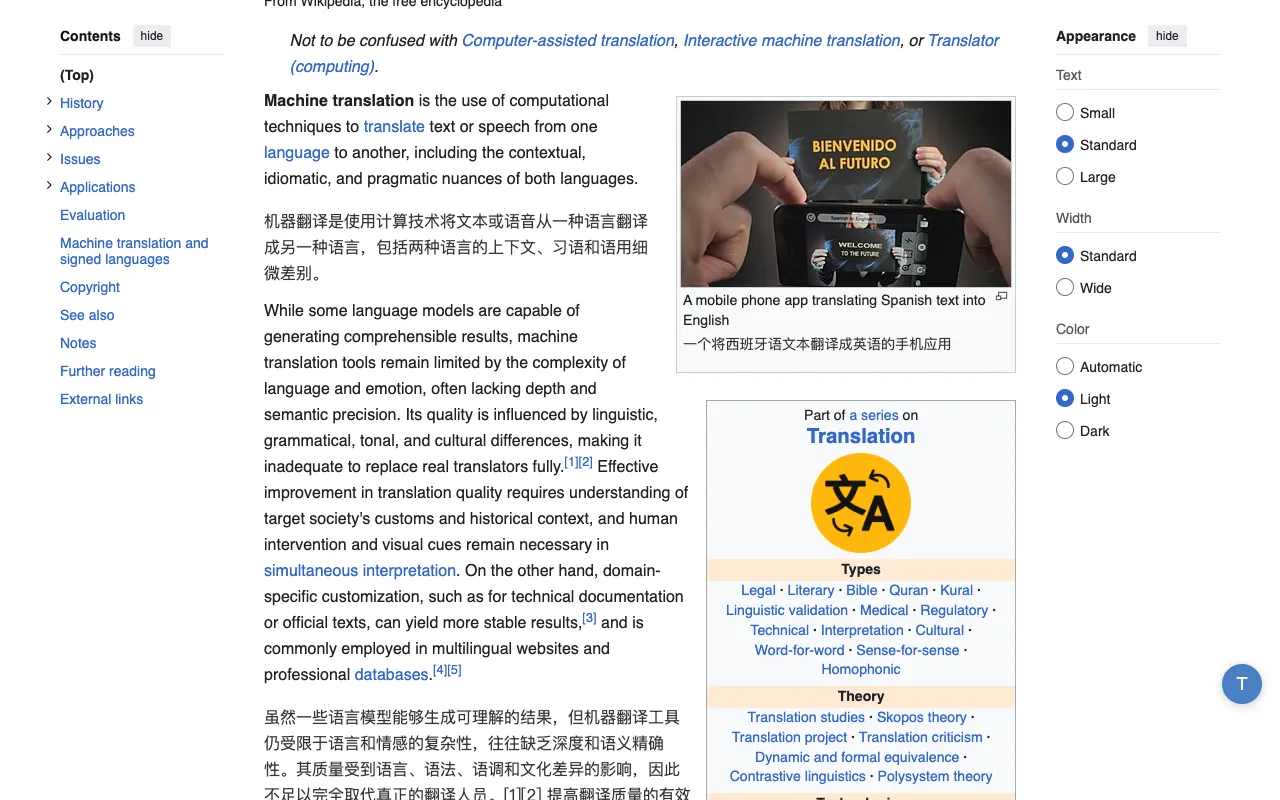
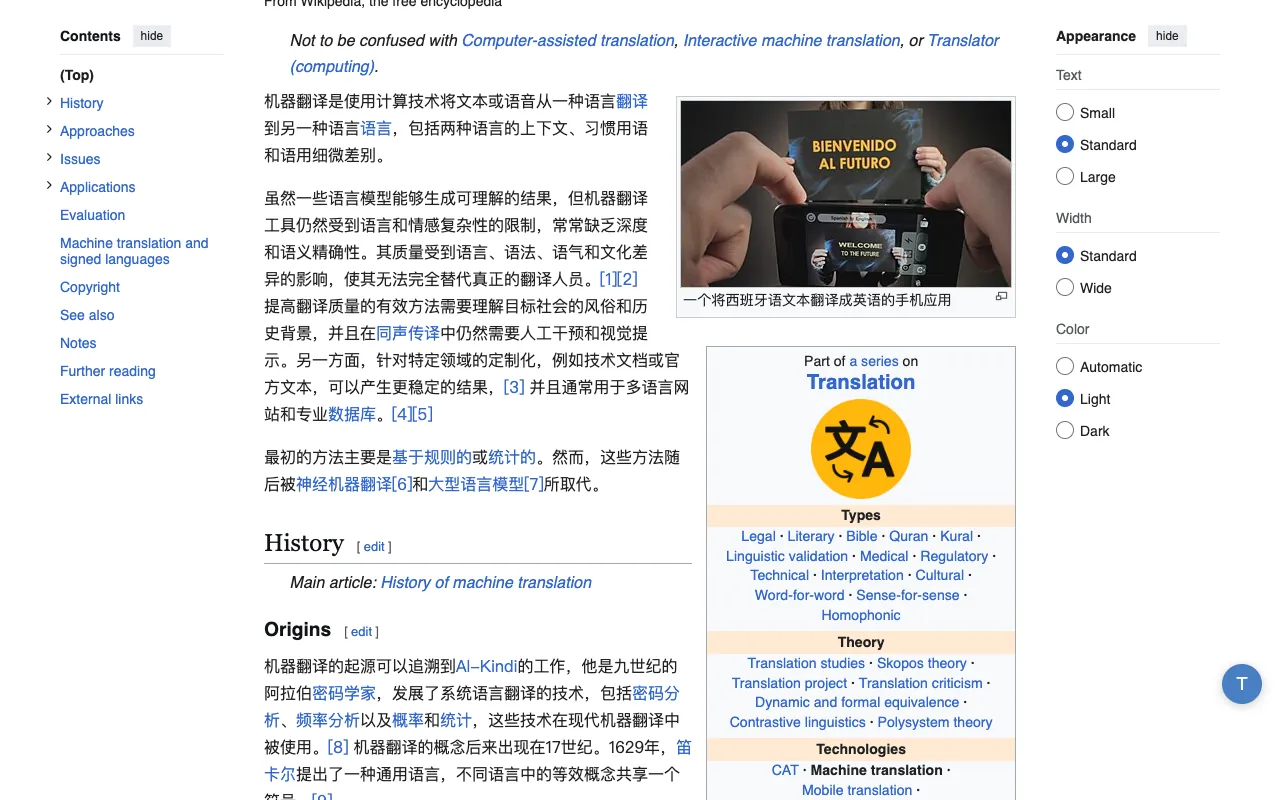
Bilingual page translation is the same idea everywhere: keep the original on the page and put the translation next to it, so you can check one against the other. OpenImmersive Translator does that in an extension whose code anyone can read, which sends your text only where you tell it to, and whose core translation costs nothing. For a feature-by-feature look, see a free Immersive Translate alternative for Chrome, compared feature by feature.
Open source
The OpenImmersive Translator extension is licensed under AGPL-3.0. Read the code on GitHub, report an issue, or build it yourself — what it does with a page is there for anyone to check.
Your data stays in your browser
With the free engines or your own API key, text goes from your browser straight to the engine you picked, with no OpenImmersive Translator server in between. Settings and history stay in your browser, and optional local masking hides emails, phone numbers, card numbers and API keys before anything is sent.
Free core translation
The extension's Google engine is free and needs no account. On this website the Fast tier translates up to 5,000 characters per request without signing in. The AI tiers are optional and spend credits.
How the translate extension works
- 1
Install the extension
Add OpenImmersive Translator from the Chrome Web Store, Firefox Add-ons or Microsoft Edge Add-ons, and pick the language you want to read in.
- 2
Open any page and turn it on
Click the toolbar icon or press Alt+T. Each paragraph gets its translation right underneath, so the original and the translation sit side by side. That side-by-side translation leaves the page's own layout as it was.
- 3
Read the way you prefer
Switch to translation-only when you just want the meaning, hover over a paragraph to translate only that one, select a phrase for a quick popup, or translate what you type into an input box.
Can't install extensions on this computer? Paste a link into the bilingual web page translator on this site instead.
Popular languages
The extension and the translators on this site cover 199 target languages. These are the ones people pick most:
- English
- Simplified Chinese
- Traditional Chinese
- Spanish
- French
- German
- Japanese
- Korean
- Portuguese
- Russian
- Standard Arabic
- Hindi
- Italian
- Vietnamese
- Indonesian
- Turkish
- Thai
- Dutch
Document translation
Translate documents with layout preserved
Papers, contracts and reports come back in the shape they went in. The PDF translator that keeps the layout has two modes. Document mode suits reports, manuals and contracts: it translates text-based PDFs of up to 200 pages into English, Simplified Chinese, Traditional Chinese, Japanese, Korean, Spanish, Portuguese, Turkish, Russian or Ukrainian. Academic paper mode keeps equations, figures and references where the author put them, and translates papers of up to 40 pages into Simplified Chinese. Scanned PDFs are not supported.
Word, PowerPoint, Excel, TXT, Markdown and SRT files translate into any of the 199 languages with the document translator and come back in the same format.
- Formats
- PDF · DOCX · PPTX · XLSX · TXT · MD · SRT
- PDF · Document
- 10 languages, up to 200 pages
- PDF · Academic paper
- Simplified Chinese, up to 40 pages
- Other formats
- 199 languages
Deep Residual Learning for Image Recognition
Fig. 3 Training error, plain vs. residual.
用于图像识别的深度残差学习
图 3 训练误差,普通网络与残差网络对比。
Simple, transparent
Pricing
A plan gives you credits each month. The quality tier you pick per translation — Fast (free), Standard or Premium — decides how many credits that translation spends.
Save up to 50% with yearly billing
Free
- Fast translation — free, no login
- 100 welcome credits on signup (≈ 20 PDF pages)
- 3 document pages/day free preview
- Up to 5,000 characters per request
- Images up to 10 MB
- Office 10 MB
- All free tools
Plus
50% OFF- Everything in Free
- 1,600 credits/month (≈ 320 PDF pages)
- 10 format-preserving doc pages every 10 days, at openimmersive.ai/pdf or the Documents tab
- Up to 30,000 characters per request
- Images up to 50 MB
- Office 20 MB
- Top-ups: $10 → 1,100 credits (vs 1,000)
- 3-day free trial on yearly
- Cancel anytime
Max
30% OFF- Everything in Plus
- 8,000 credits/month of AI translation (5× Plus)
- Up to 100,000 characters per request
- Images up to 100 MB
- Office 20 MB
- Priority support
- 3-day free trial on yearly
- Cancel anytime
One file to translate? Buy credits once.
$10 → 1,000 credits (≈ 200 PDF pages on Fast, about $0.05 a page; Standard pages cost twice that), one-time — no subscription. Subscribers get 1,100.
🔒 Secure payments by Stripe
Frequently asked questions
Is OpenImmersive Translator related to Immersive Translate (沉浸式翻译)?
No. OpenImmersive Translator is an independent open-source project with its own team and code. It is a different product from Immersive Translate (沉浸式翻译), and the two share no code or company. Immersive Translate is a trademark of its respective owner; we name it only because many people know bilingual page translation by that product. Our name is sometimes written Open Immersive Translator; both refer to this project at openimmersive.ai.
Is there a free translate extension for Chrome?
Yes. OpenImmersive Translator is a free, open-source translate extension for Chrome, also on Firefox and Microsoft Edge. It shows each paragraph of a web page with its translation right underneath, in 199 languages. Its Google, Microsoft and MyMemory engines need no account; with your own DeepL, OpenAI or DeepSeek key you pay that provider directly.
What is side-by-side translation?
Side-by-side translation, also called parallel text or parallel translation, keeps the original text on the page and puts its translation right under each paragraph, so you can read both and check one against the other. OpenImmersive Translator does this on any web page in Chrome, Firefox and Edge, and you can switch to translation-only when you just want the meaning. Where you can't install an extension, paste the page's link into the bilingual web page translator on this site.
Is side-by-side translation free?
Yes, with the free engines. Side-by-side translation in the OpenImmersive Translator extension costs nothing to install or use: its Google, Microsoft and MyMemory engines need no account. With your own DeepL, OpenAI or DeepSeek key you pay that provider directly, and the optional Standard and Premium AI tiers spend credits from an openimmersive.ai account.
Can I switch from side-by-side translation to translation-only?
Yes. Side-by-side translation shows each paragraph followed by its translation; switch to translation-only when you just want the meaning. You can also hover over a paragraph to translate only that one, select a phrase for a quick popup, or translate what you type into an input box.
Does side-by-side translation work on every website?
Side-by-side translation works on web pages in Chrome, Firefox and Edge once the extension is on, and the page's own layout stays as it was. Browsers do not let any extension run on their own internal pages, such as the new-tab page. Where you can't install an extension, paste a link into the bilingual web page translator on this site.
Is the browser extension open source?
Yes. The OpenImmersive Translator extension is licensed under AGPL-3.0 and its code is on GitHub, so you can read it, report issues or build it yourself. It is published on the Chrome Web Store, Firefox Add-ons and Microsoft Edge Add-ons. Only the extension is open source: this website, including its Standard and Premium AI tiers, is a hosted service.
Is OpenImmersive Translator free?
The browser extension is free; this website has a free tier and paid plans. The extension for Chrome, Firefox and Edge costs nothing to install or use: its Google, Microsoft and MyMemory engines are free and need no account, and with your own DeepL, OpenAI or DeepSeek key you pay that provider directly. On this website, Fast translation of up to 5,000 characters per request needs no account, and 3 format-preserving PDF pages a day are free. The optional AI tiers (Standard and Premium), in the extension and on this website, spend credits from an openimmersive.ai account; new accounts start with 100 welcome credits. Paid options are sold through Stripe: Plus ($16 a month, or $8 a month billed yearly) and Max ($34 a month, or $24 a month billed yearly) subscriptions, and one-time credit packs ($10 for 1,000 credits).
Do I need an account or a subscription?
No. The extension works without an account or a subscription: its Google, Microsoft and MyMemory engines are free, and with your own DeepL, OpenAI or DeepSeek key you pay that provider directly. On this website, Fast translation and 3 layout-preserving PDF pages a day are free without signing in. An account is only needed for the optional Standard and Premium AI tiers.
Can I use my own API key?
Yes. In the extension's settings you can choose DeepL, OpenAI or DeepSeek and paste your own API key. The key stays on your device, and requests go from your browser straight to that provider.
What happens to my text?
With the free engines or your own key, the extension sends text from your browser straight to the engine you chose — there is no OpenImmersive Translator server in between — and your settings and history stay in your browser. The AI tiers and the tools on this website process your text on our servers to translate it; the Privacy Policy says how long uploaded files and results are kept.
Which quality tier should I choose?
Fast is instant and free — great for quick, everyday text. Standard adds context-aware AI that reads more naturally. Premium is our best top-model quality for nuanced or professional work. You switch per translation, so you only spend credits when you actually want the extra quality.
Can I translate PDFs and Office documents?
Word, PowerPoint, Excel, TXT, Markdown and SRT files translate on this website and come back in the same format. PDFs go to the PDF translator at openimmersive.ai/pdf, which keeps the original layout; it handles text-based PDFs (not scans) of up to 200 pages and 50 MB on every plan, and outputs English, Simplified Chinese, Traditional Chinese, Japanese, Korean, Spanish, Portuguese, Turkish, Russian or Ukrainian (academic paper mode: Simplified Chinese only). Log in there with your openimmersive.ai account and the same account pays: 3 free pages a day (shared with the Documents tab), then your plan's bonus pages, then a voucher code if you entered one, then credits: 5 a page on Fast or 10 on Standard.
How many languages, and how much can I translate at once?
199 target languages for text, images, speech, web pages, and Office and text documents; layout-preserving PDF translation outputs English, Simplified Chinese, Traditional Chinese, Japanese, Korean, Spanish, Portuguese, Turkish, Russian or Ukrainian. A single request handles up to 5,000 characters on Free, 30,000 on Plus, and 100,000 on Max; image uploads are capped at 10 MB, 50 MB and 100 MB respectively. Office documents are capped at 10 MB on Free and 20 MB on Plus and Max. The PDF translator at openimmersive.ai/pdf takes PDFs up to 50 MB and 200 pages on every plan.
What are credits, and how does billing work?
Credits are what the AI tiers spend: Standard runs 1 credit per 5,000 characters and Premium 1 per 400, and Fast text translation never costs credits. Format-preserving PDF pages beyond your free and plan pages cost 5 credits each on Fast or 10 on Standard. One balance works across the website, openimmersive.ai/pdf and the extension. Plus and Max are monthly or yearly subscriptions and the $10 credits pack is a one-time purchase, all paid through Stripe Checkout. Yearly plans start with a 3-day free trial; to cancel a subscription, email [email protected].
Something we didn't cover? We're happy to have feedback.
Read the web in two languages at once